
In today’s screen-saturated world, digital devices are essential for everything from work to entertainment to communication. But with screen time averaging 7–9 hours per day for many, it’s no surprise our eyes are paying the price—fatigue, blurred vision, and disrupted sleep are more common than ever.
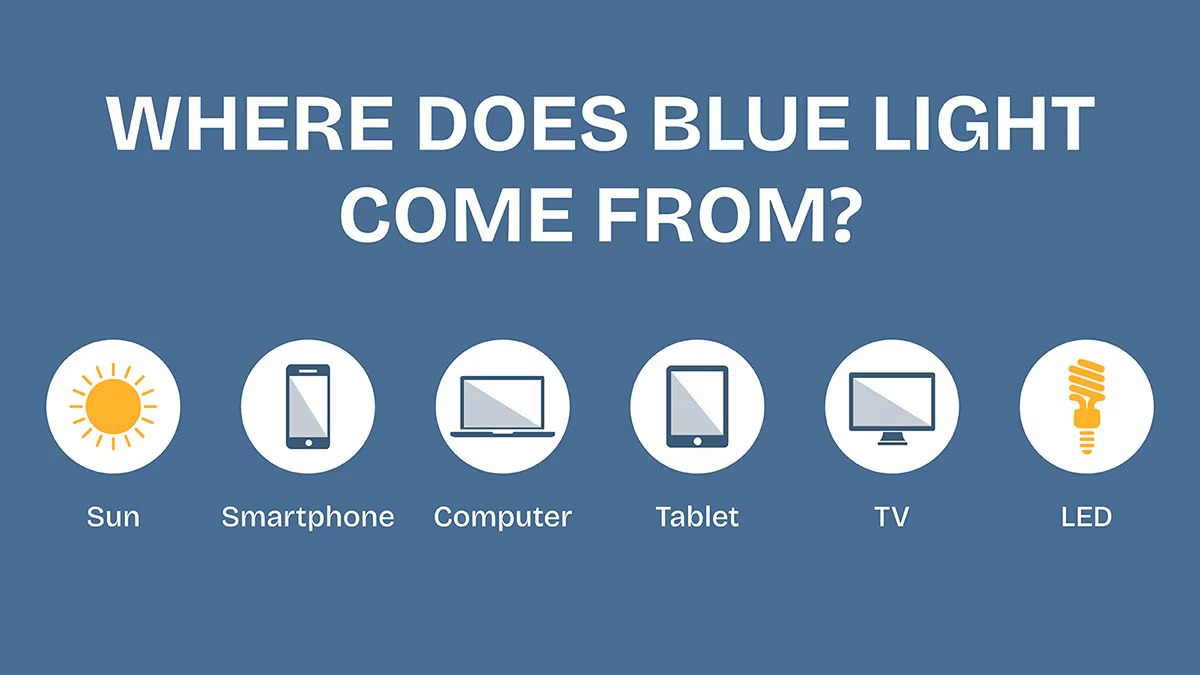
One major culprit? Blue light—a high-energy visible (HEV) light emitted by phones, laptops, TVs, and even LED bulbs. Blue light ranges from 400 to 490 nanometers (nm), with the most intense and harmful wavelengths falling between 400–450 nm. Over time, exposure to this spectrum may cause retinal stress.
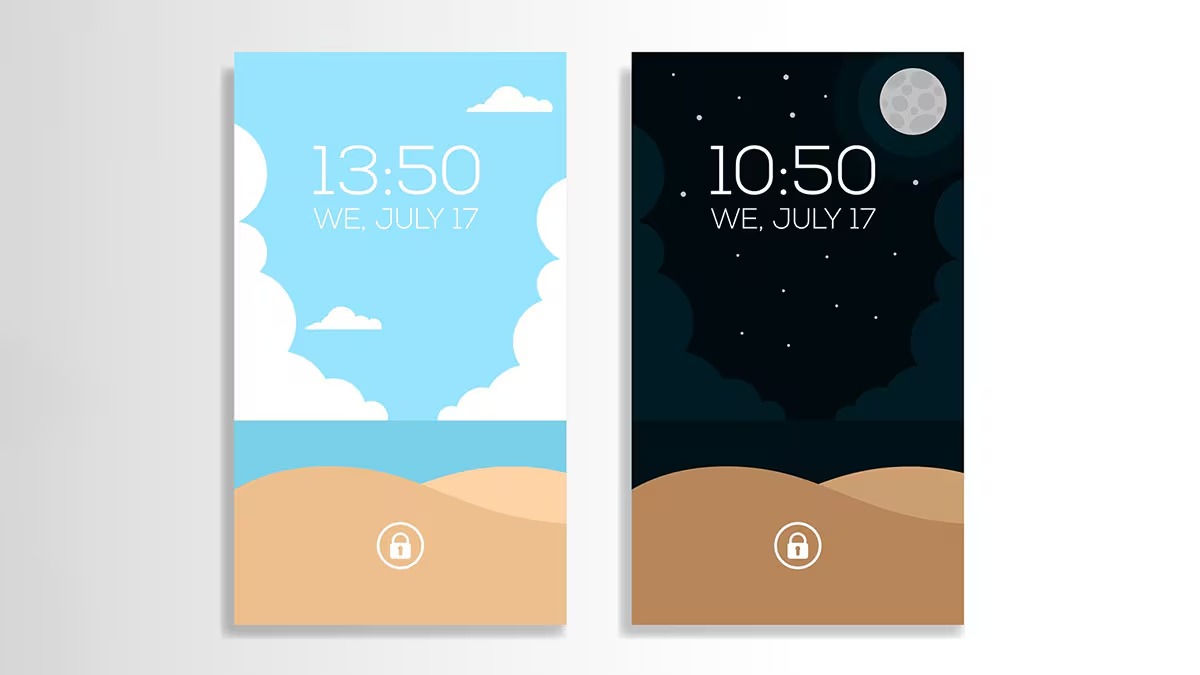
To combat this, device makers introduced warm-color screen filters like Night Shift (Apple), Night Light (Windows), and Bedtime Mode (Android)—features that reduce blue light by adjusting screen color temperature toward warmer tones.
But here’s the question:
Do screen warmers actually protect your eyes? Let’s break it down.
What Is a Screen Warmer?
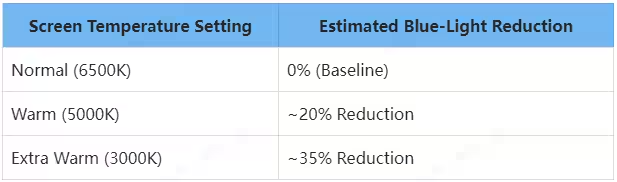
Screen warmers work by shifting your display’s color temperature. Most screens mimic daylight with a cool white light around 6500K (Kelvin). However, the cooler the color, the more blue light it emits.
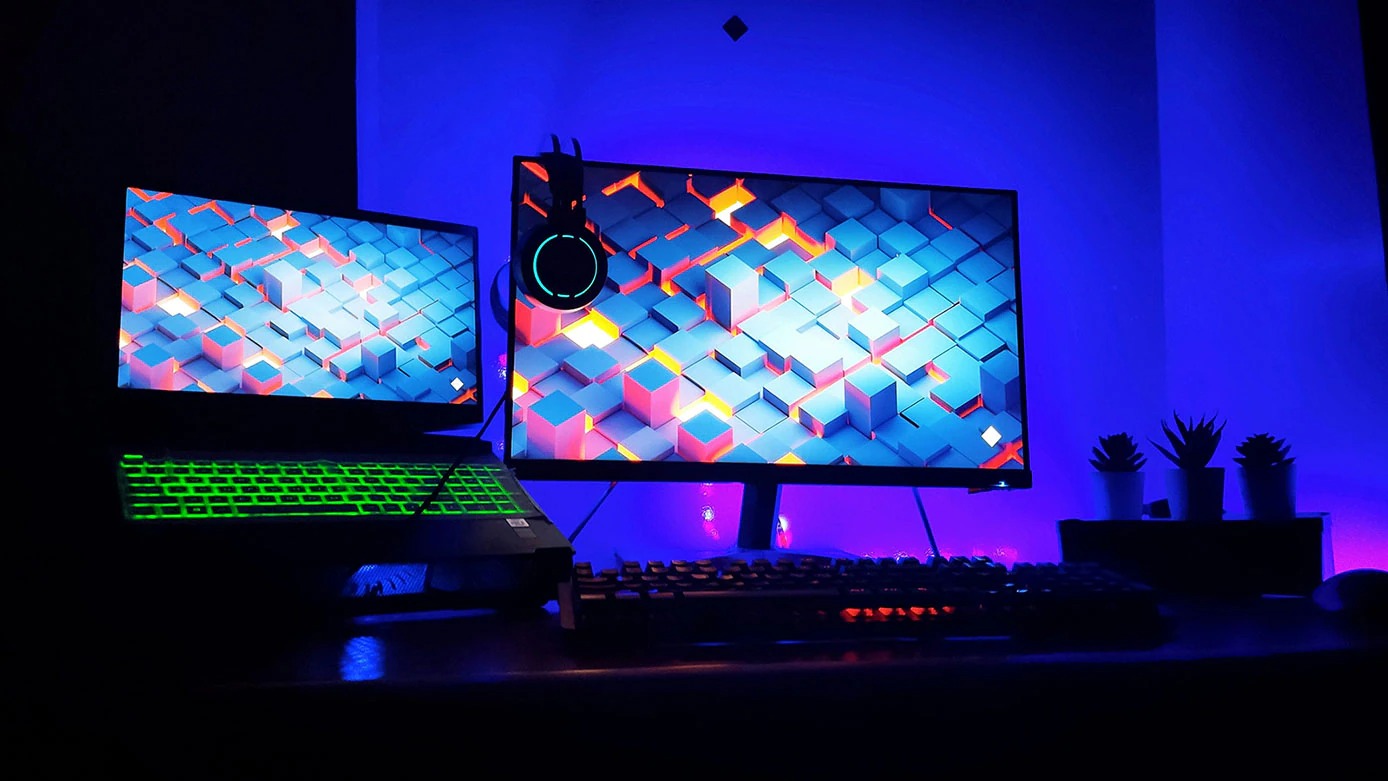
By warming the screen—adjusting it to 3000K to 5000K—these features lower the intensity of short-wave blue light, reducing its harmful effects, particularly at night.
Real-World Examples:
-
Apple Night Shift: Automatically adjusts warmth based on time of day.
-
Windows Night Light: Customizable schedule and intensity.
-
Android Bedtime Mode: Warms the display to reduce eye strain and prepare for sleep.
These features help the body regulate melatonin, the sleep hormone, by mimicking the hues of sunset.
Limitations of Screen Warmers
While screen warmers do reduce blue light, they come with caveats:
-
They don’t block all blue light. HEV light is reduced—not eliminated.
-
Color distortion: Warm tones may interfere with tasks that require color accuracy (e.g., design or photo editing).
-
Device inconsistency: Not all screens warm equally. Some filters are weak or poorly implemented.
In short, screen warmers help—but they’re not a standalone solution.
The Research Backs It Up (But It’s Not Enough)
Peer-reviewed studies show that lowering screen temperature can reduce blue light emissions:
-
Shifting from 6500K to 3000K reduces blue light by up to 35%
-
It’s especially effective at cutting the most harmful 400–450nm range
Best Strategy: Tech + MANLYKICKS Blue Light Glasses
To truly defend your eyes, screen features should be combined with external protection, like specialized glasses and certified hardware.
Hardware Solution: TÜV-Certified Low Blue Light Monitors
Manufacturers like Dell, BenQ, and Lenovo now offer monitors that reduce blue light at the hardware level using:
-
Advanced LED backlight tuning
-
Anti-reflective coatings
-
Updated color filters to block HEV light
These are ideal for long work hours, as they preserve color accuracy while filtering harmful light.
MANLYKICKS Blue Light Blocking Glasses
If hardware upgrades are too expensive—or if you use multiple devices—MANLYKICKS blue light glasses are a smart, stylish alternative.
Why Choose MANLYKICKS?
-
Filters up to 98% of harmful blue light (400–450nm)
-
Built-in anti-reflective and scratch-resistant coatings
-
Designed for long wear: lightweight, durable, and fashion-forward
-
Ideal for gamers, office workers, students, and anyone glued to a screen
With MANLYKICKS, you can reduce digital eye strain, headaches, and sleep disruptions by up to 80–90%.
Smart Habits Still Matter
Even with tech tools and glasses, your habits make a huge difference.
Recommended Screen Settings:
-
Daytime: Keep color temperature around 5000K to maintain clarity
-
Nighttime: Drop it to 3000K or below to ease your eyes and prep for sleep
Follow the 20-20-20 Rule
It’s a must:
Every 20 minutes, look at something 20 feet away for 20 seconds.
This gives your eye muscles a much-needed break and reduces the risk of Computer Vision Syndrome (CVS).
More Eye-Friendly Tips:
-
Blink often to avoid dryness
-
Keep screens 20–24 inches from your face
-
Use anti-glare screen protectors if needed
-
Match screen brightness to your room lighting
Common Myth: Warm Light = Safe Light?
Not quite. Just turning on “Night Mode” won’t magically fix everything.
Warm light is not a replacement for real eye care.
True protection comes from a combination of:
-
Proper lighting
-
Regular breaks
-
Protective eyewear like MANLYKICKS glasses
Final Verdict
Screen warmers help—but they’re only part of the solution.
To truly defend your eyes in the digital age, combine smart tech with protective habits and stylish, functional eyewear from MANLYKICKS.
Your eyes will thank you now—and years down the line.